Problem
Every edit affects what comes next.
A schedule is only useful when staffing, working time, totals and output stay connected. Separate lists make it easy to lose the effect of a late shift change.
Windows application · version 2.3.5
Collaborative workforce scheduling
I designed a shared weekly schedule for a kindergarten, where every shift connects to hours, estimated pay and reports.
Kindergarten workforce planning
English WPF application for Windows
Product, UX/UI, AI-assisted delivery
Supabase authentication, access and sync
Context
Sidur grew from an actual kindergarten workflow: coordinate employees across groups and days, respond to changes, then prepare reliable hours and payroll estimates from the final plan.
Problem
A schedule is only useful when staffing, working time, totals and output stay connected. Separate lists make it easy to lose the effect of a late shift change.
Solution
The desktop application keeps the weekly grid, focused shift editing, calculated hours, estimated pay, reusable templates and reporting in one working system.
My contribution
I shaped the product requirements and interaction model, designed the English UX/UI, directed AI-assisted implementation, tested the core flows and prepared the application for delivery. That meant working across the visible interface and the persistence, access and synchronization behind it.
Core workflow
Three current application captures follow the same task from the weekly schedule to the result. Choose a step to inspect the interface; each capture also opens at full size.
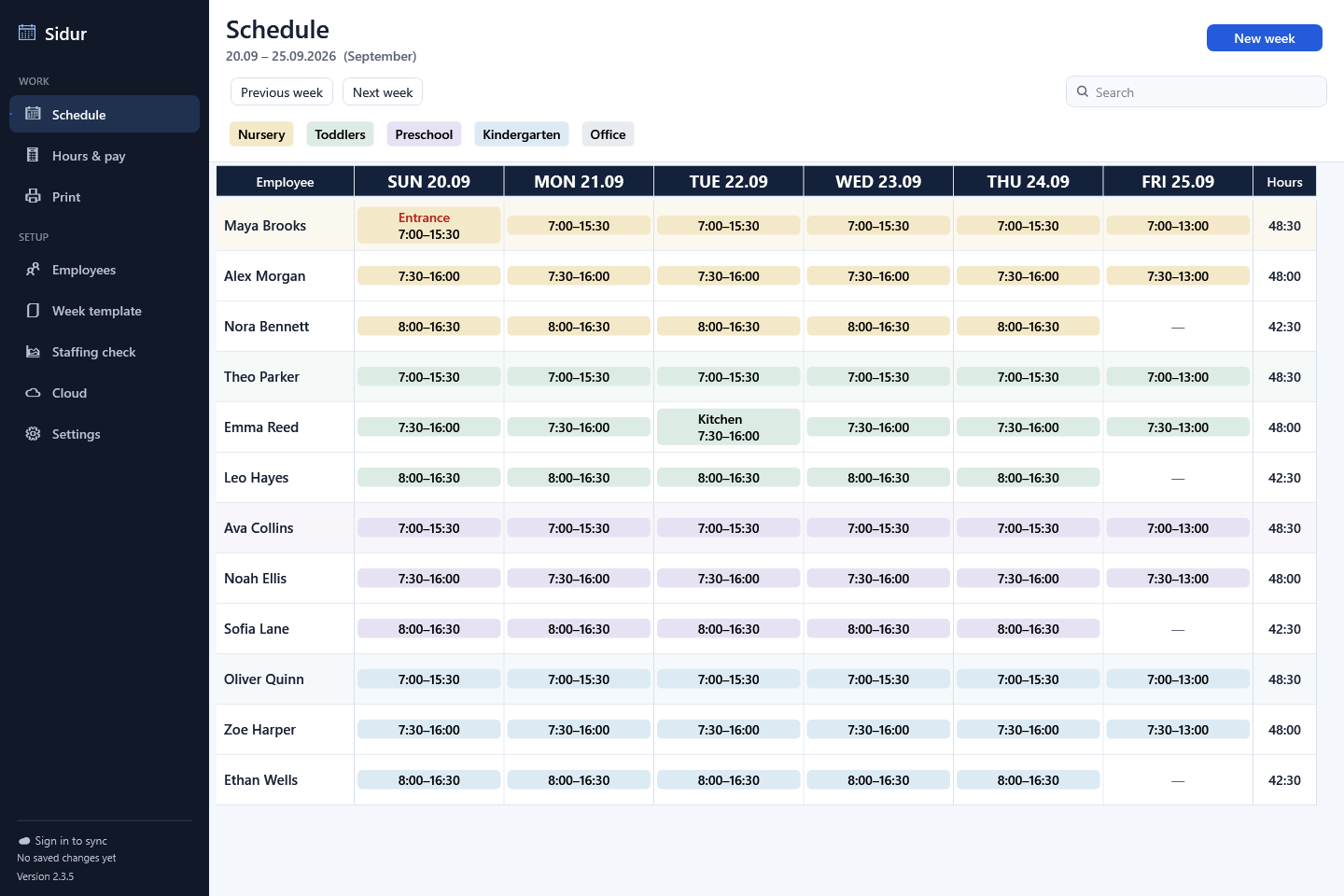
The grid brings people, groups and coverage together so the edit starts with its scheduling context.
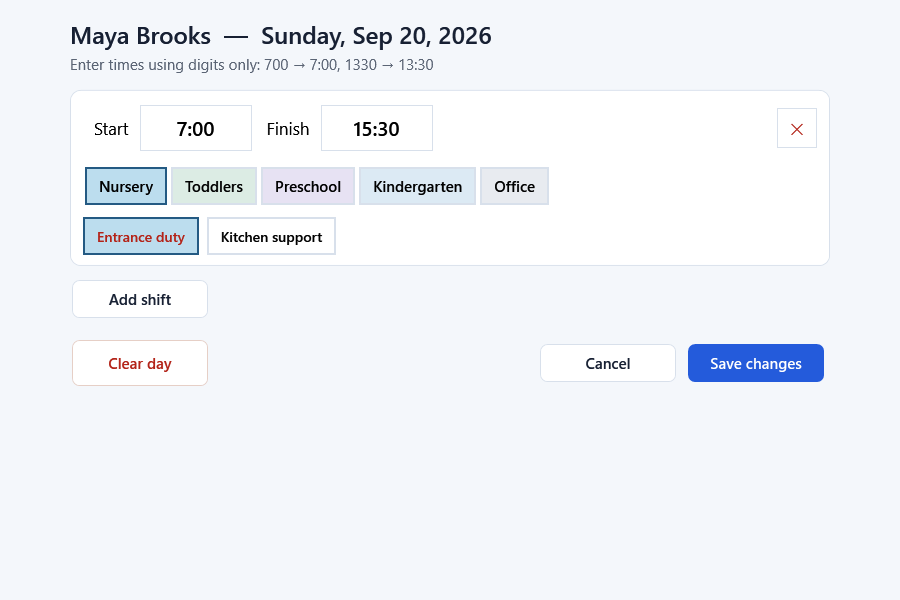
The editor keeps employee, group, date and working time together without turning a local correction into a long form.
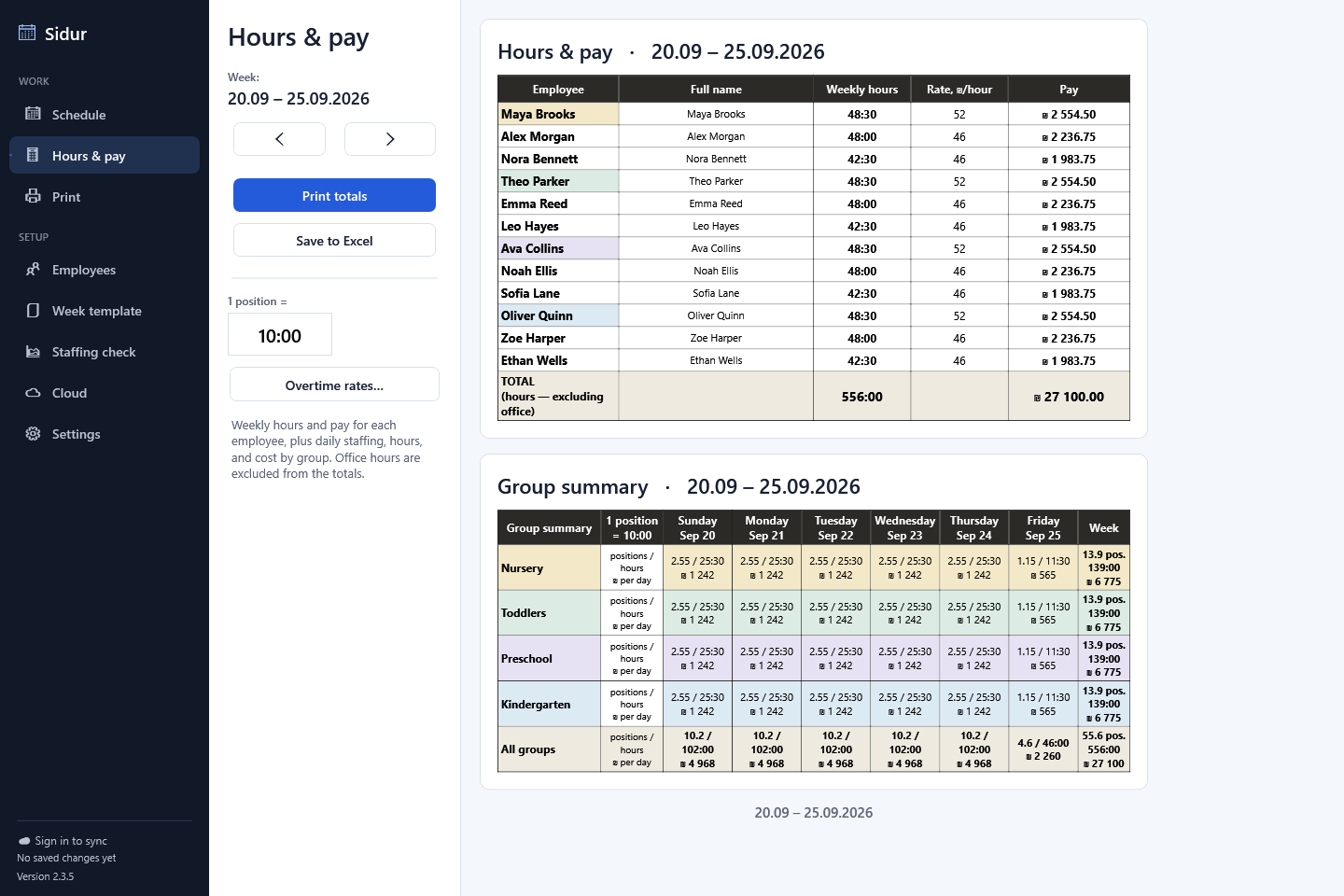
Totals connect the final shifts to each employee’s hours and estimated pay before a report is prepared.
Analysis and UX decisions
I treated the schedule as a working loop. The interface had to make the current week readable, keep corrections small and show their consequences without sending the user into a separate calculation process.
The schedule is the primary surface because coverage is easier to judge when days, groups and employees remain visible together.
Decision Keep navigation and repeated actions around the grid instead of splitting the week into isolated daily forms.
A shift change needs a small set of related fields. Giving it a focused editor reduces visual noise while preserving the surrounding weekly plan.
Decision Use a dedicated shift dialog, then return to the same schedule context.
Hours and estimated pay are consequences of the plan. They need to stay traceable to employees before printing or export.
Decision Keep the calculated result in the same application flow as the schedule that produced it.
The supporting system
Templates speed up recurring weeks, staff records keep planning consistent, reporting turns the plan into a usable document, and sign-in connects the application to an authorized shared workspace.
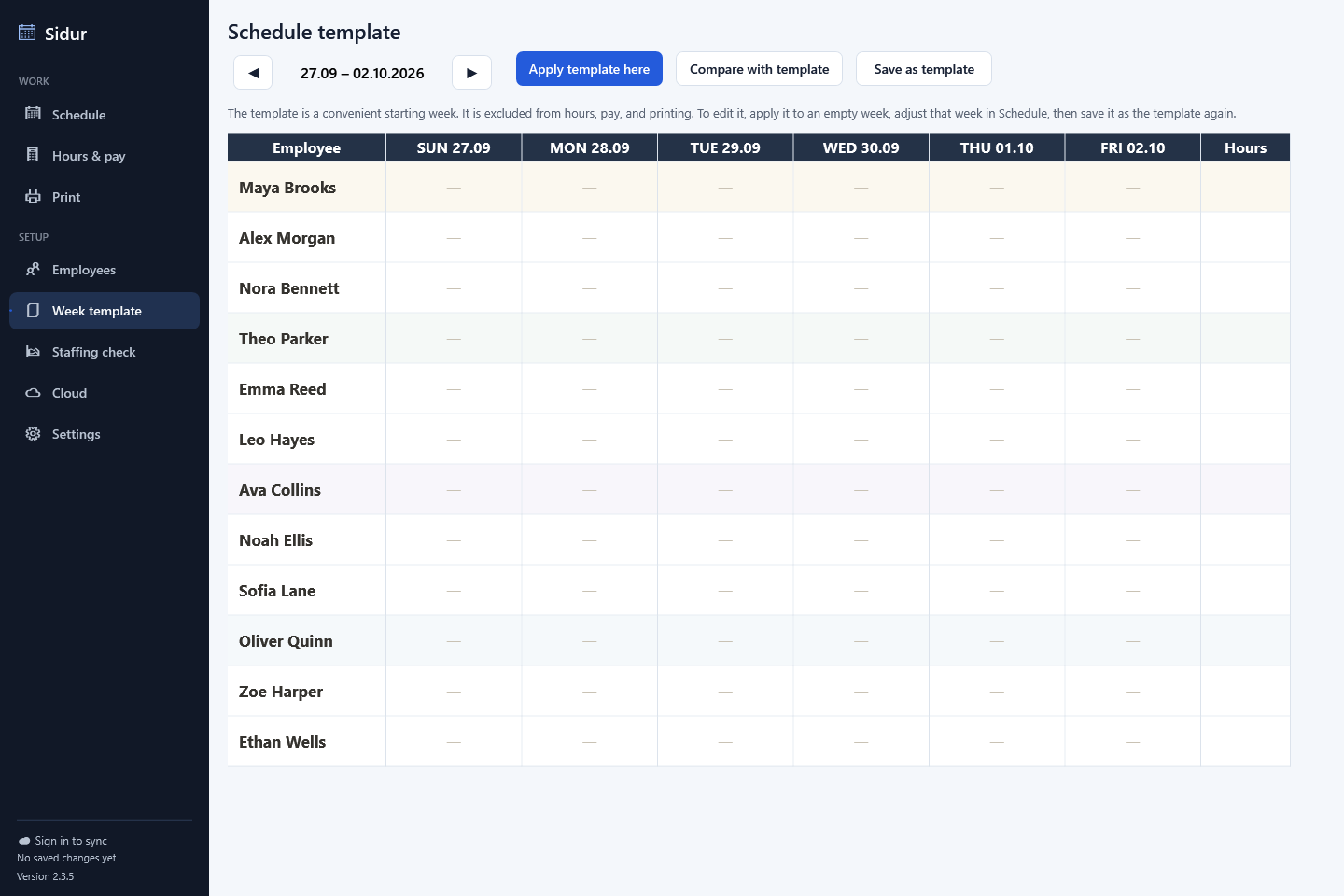
Recurring structure becomes a starting point rather than work to rebuild.
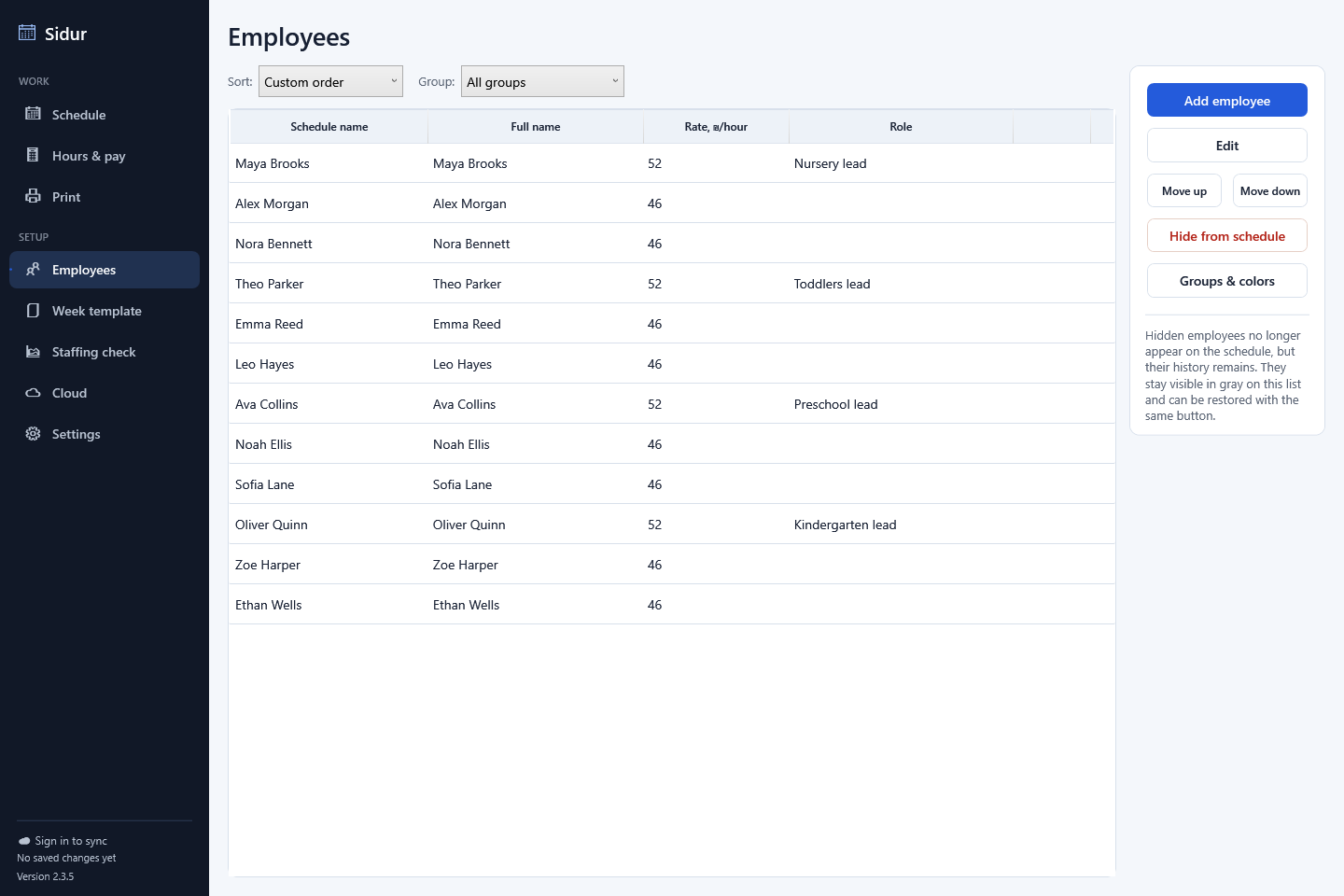
Employee details support the schedule, totals and prepared output.
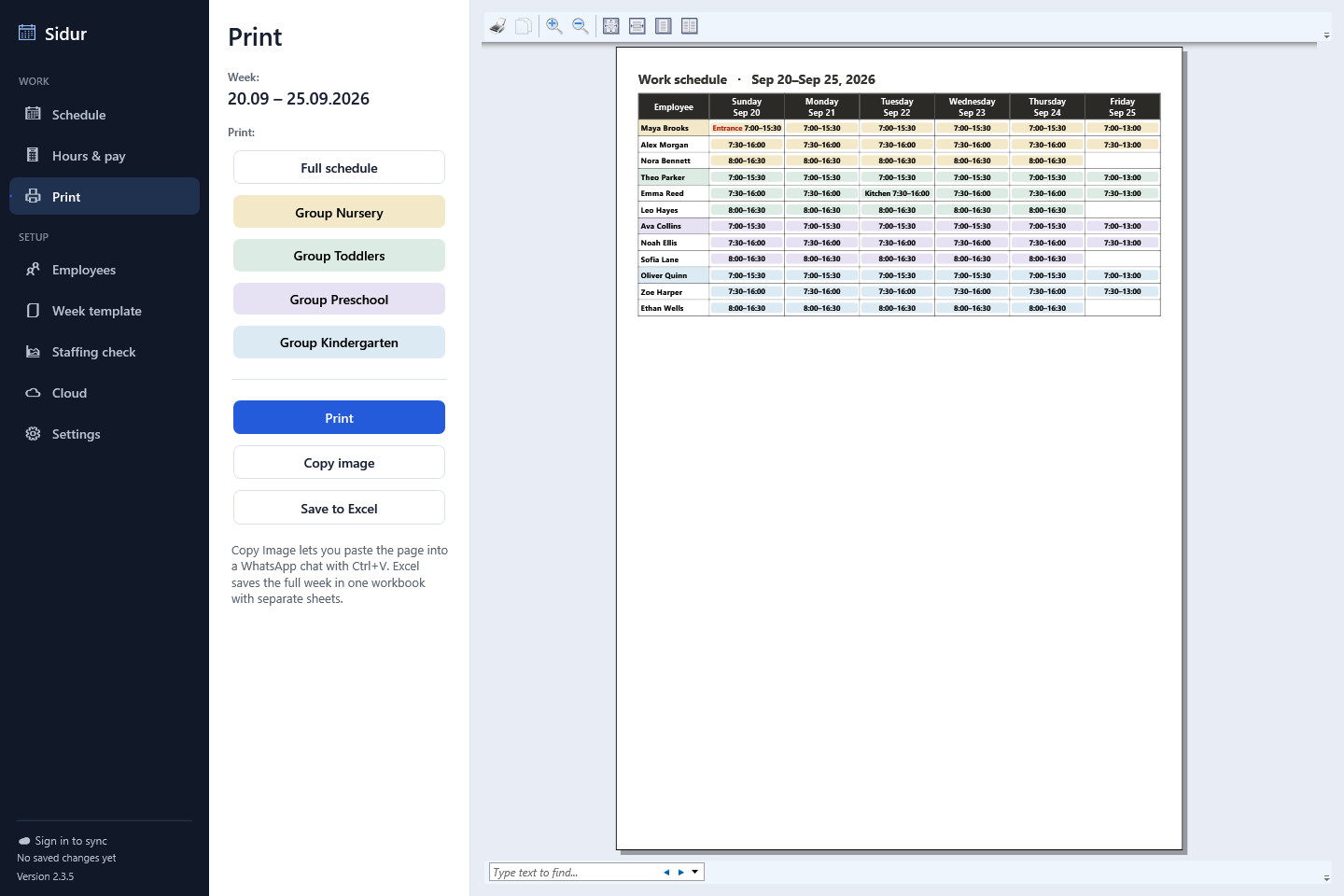
Print and Excel output extend the plan beyond the application.
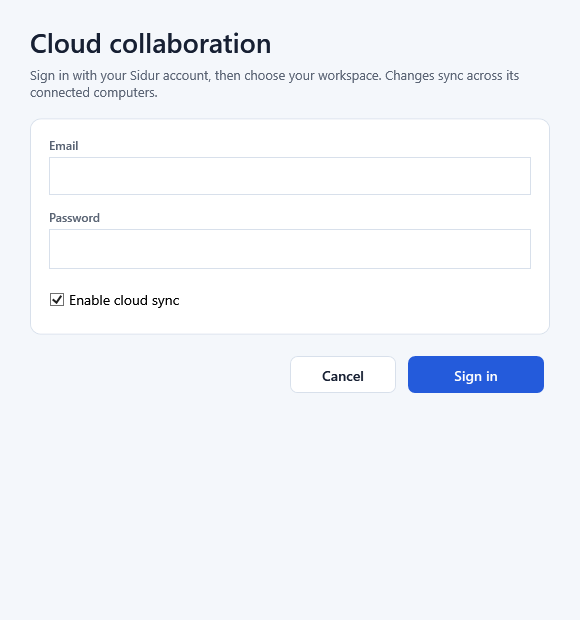
Authentication connects the desktop interface to the right organization.
Data protection. Supabase provides authentication, organization access and synchronization. Cloud data is encrypted at rest and transferred over HTTPS; Windows DPAPI protects local schedules and saved sessions. Revision checks and explicit conflict handling help users review competing changes.
Reflection
Designing Sidur shifted my focus from making an orderly schedule to making change understandable. The important experience is the connection between a corrected shift, the updated total and the output someone can use.
The strongest product decision was keeping those steps on one data path while giving each task an interface with the right amount of detail. The English edition brings that working application into a clearer visual system.
What I would explore next. Observe how schedulers adjust recurring shifts and review weekly payroll, then refine terminology and information density around those tasks.
Other work: Mistfall Atlas build planningApplications, product work & collaborations
Tell me what people need to do, what the current process looks like and where it breaks down.